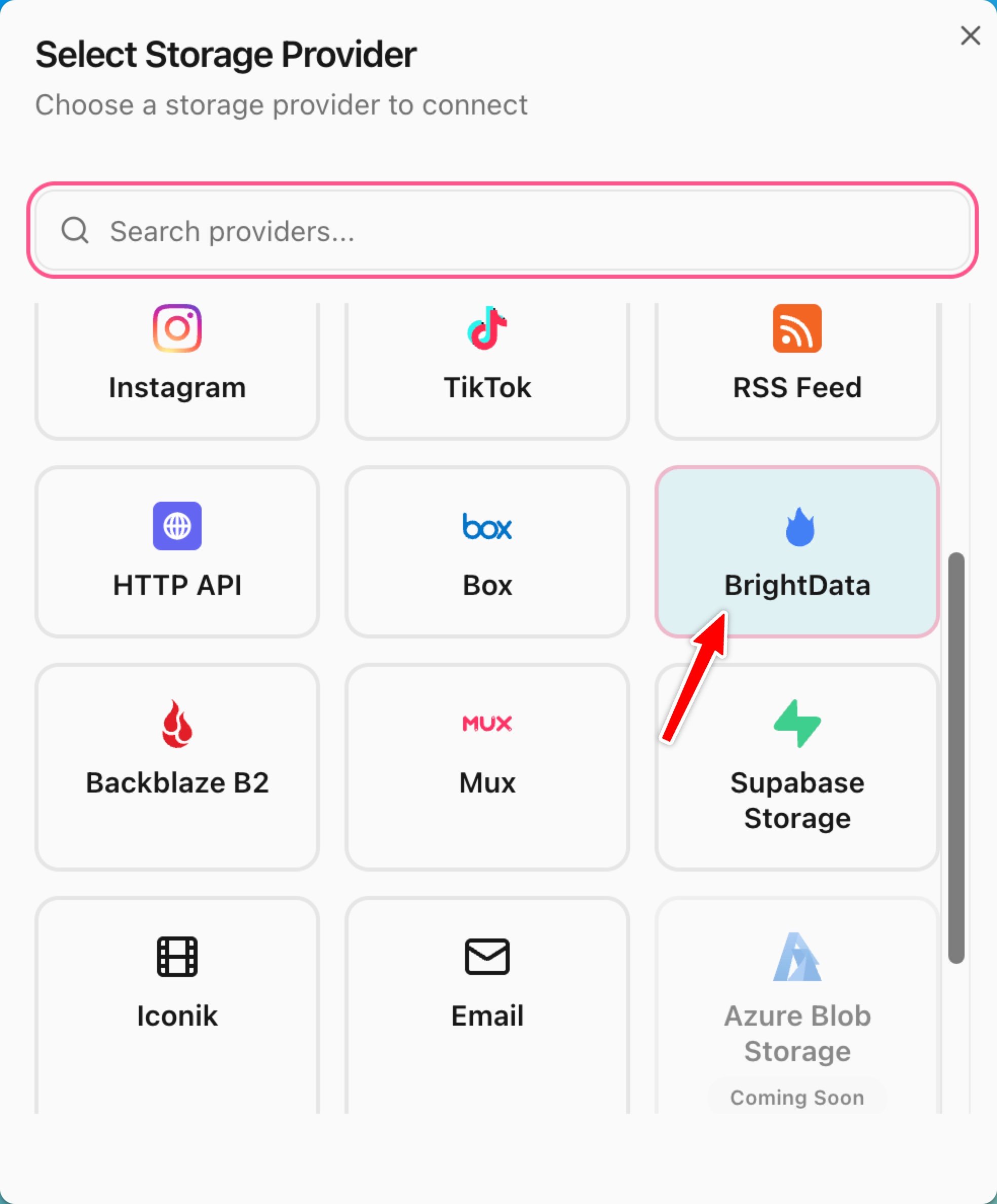
BrightData is a web data platform with pre-built datasets (LinkedIn, Amazon, Google Maps, etc.) and custom web scrapers. Each sync triggers a new dataset snapshot, waits for it to be ready, and ingests every row as a bucket object.

Overview

The BrightData integration connects Mixpeek to BrightData’s Datasets API. When a sync runs, Mixpeek:
  1. Triggers a new dataset snapshot for the configured dataset ID.
  2. Polls the snapshot until status is ready.
  3. Downloads the JSONL results.
  4. Creates one bucket object per row, with the full JSON record as the object blob.
Each row’s fields are stored as bucket object metadata, making them filterable and searchable alongside the extracted features from your collection pipeline.

Prerequisites

  • An active BrightData account.
  • A BrightData API token (found in Dashboard → Account → API Token).
  • Access to the dataset(s) you want to sync (subscription required for most datasets).

Configuration

Connection-Level Fields

FieldRequiredDescription
api_tokenYesBrightData API token — encrypted at rest
customer_idNoBrightData customer ID for zone-level auth
default_output_formatNojsonl (default) or json
countryNoISO 3166-1 alpha-2 code for geo-targeting (e.g., us)

Sync-Level Fields

FieldRequiredDescription
source_pathYesBrightData dataset ID (e.g., gd_l1vikfnt1wgvvqz95w)
sync_modeNocontinuous, one_time, or scheduled
polling_interval_secondsNoSeconds between scheduled runs
You can find a dataset’s ID in the BrightData Marketplace under the dataset detail page. It starts with gd_.

Setup

1

Get your BrightData API token

  1. Log in to your BrightData Dashboard.
  2. Go to Account Settings → API Tokens.
  3. Create a new token or copy an existing one.
Keep your API token secret — it has full access to your BrightData account.
2

Find your dataset ID

  1. Open the BrightData Marketplace.
  2. Select the dataset you want to sync (e.g., LinkedIn Company Profiles, Amazon Products).
  3. Copy the dataset ID from the URL or dataset detail page.
Common dataset IDs:
  • LinkedIn Company Profiles: gd_l1vikfnt1wgvvqz95w
  • Amazon Product Data: gd_l7q7dkf244hwjntr0
  • Google Maps Business Data: gd_l7q7dkf244hwjntr1
3

Create the storage connection in Mixpeek

from mixpeek import Mixpeek

client = Mixpeek(api_key="your-mixpeek-api-key")

connection = client.organizations.connections.create(
    name="BrightData Production",
    provider_type="brightdata",
    provider_config={
        "credentials": {
            "type": "api_token",
            "api_token": "your-brightdata-api-token",
        },
        "default_output_format": "jsonl",
    },
)
print(f"Created connection: {connection['connection_id']}")
4

Create a sync configuration on your bucket

sync = client.buckets.syncs.create(
    bucket_id="bkt_your_bucket_id",
    connection_id=connection["connection_id"],
    # source_path is the BrightData dataset ID
    source_path="gd_l1vikfnt1wgvvqz95w",
    sync_mode="scheduled",
    polling_interval_seconds=86400,  # Daily
    batch_size=500,
)
print(f"Sync created: {sync['sync_config_id']}")
5

Trigger your first sync

curl -X POST https://api.mixpeek.com/v1/buckets/bkt_your_bucket_id/syncs/SYNC_CONFIG_ID/trigger \
  -H "Authorization: Bearer YOUR_MIXPEEK_API_KEY" \
  -H "X-Namespace: ns_your_namespace_id"
BrightData dataset snapshots can take from a few minutes to an hour depending on dataset size and your subscription tier. Mixpeek polls the snapshot status automatically and processes records as soon as they’re ready.

Advanced Configuration

Geo-Targeting

Restrict data collection to a specific country:
connection = client.organizations.connections.create(
    name="BrightData US Only",
    provider_type="brightdata",
    provider_config={
        "credentials": {"type": "api_token", "api_token": "your-token"},
        "default_output_format": "jsonl",
        "country": "us",  # ISO 3166-1 alpha-2
    },
)

Schema Mapping

Map BrightData record fields to Mixpeek document fields using the sync’s schema_mapping:
{
  "mappings": {
    "content": {
      "target_type": "blob",
      "source": {"type": "file"},
      "blob_type": "auto"
    },
    "company_name": {
      "target_type": "field",
      "source": {"type": "tag", "key": "name"}
    },
    "industry": {
      "target_type": "field",
      "source": {"type": "tag", "key": "industry"}
    }
  }
}

File Filters

Filter which records are ingested using standard Mixpeek file filter fields:
{
  "include_patterns": ["*.json"],
  "modified_after": "2024-01-01T00:00:00Z"
}

Data Model

Each BrightData record becomes a Mixpeek bucket object with:
  • Blob: Full JSON record body (stored as application/json)
  • Metadata: Top-level string, integer, float, and boolean fields from the record
  • source_provider: brightdata
  • source_object_id: <snapshot_id>:<record_id> (deduplicated across syncs)

Sync Modes

ModeDescriptionWhen to Use
continuousPolls every polling_interval_secondsReal-time monitoring, frequently updated datasets
one_timeSingle import, then completesOne-off data migrations, historical backfills
scheduledRuns on a fixed intervalDaily/weekly dataset refreshes
For most BrightData datasets (LinkedIn, Amazon, etc.), scheduled with a daily or weekly interval is the best choice since the underlying data changes at that cadence.

Troubleshooting

BrightData snapshots expire after 1 hour by default. If your dataset is large:
  • Reduce the number of records by adding geo-targeting (country field)
  • Use a higher-tier BrightData subscription with faster processing
  • Contact BrightData support to increase your snapshot limits
Your API token may be invalid or revoked:
  1. Go to BrightData Dashboard → Account → API Tokens
  2. Verify the token is active
  3. Create a new token if needed and update the connection
  • Verify the dataset ID in source_path is correct
  • Check that your BrightData subscription includes this dataset
  • Inspect the sync job logs in Mixpeek Studio for detailed error messages
BrightData API has rate limits per subscription tier. Increase polling_interval_seconds or upgrade your BrightData plan for higher throughput.