Turn any data
into answers.
Turn any video, image, audio or document into answers your apps and agents can query. Files stay in your bucket. What's inside them becomes rows you can search, analyze and discover.
Index once. Query every way. Or try a retriever, no key
See it work on data we've already indexed.
Each demo app runs on a marketplace retriever. Open the app, or run the same pipeline on your own files.
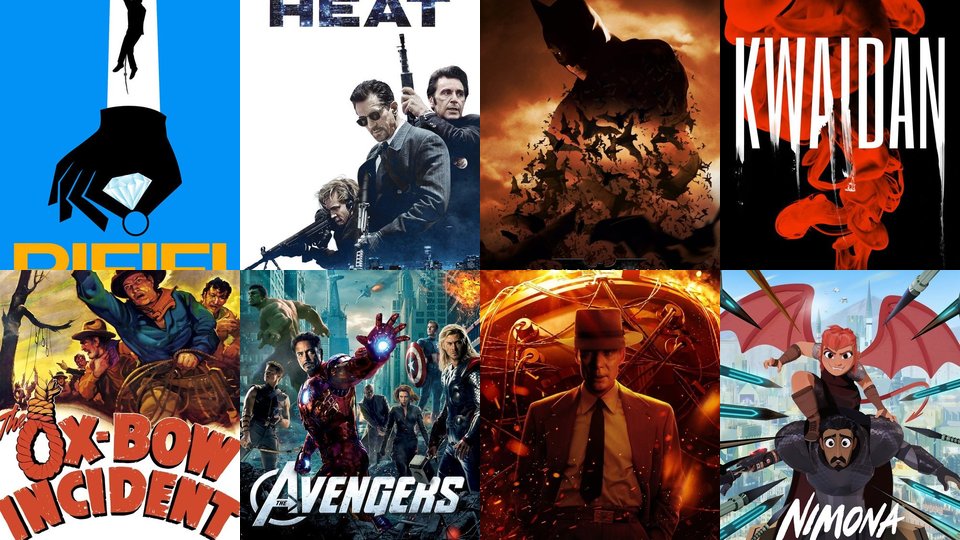
- Media · 69 trailers · 796 scenes
Video Search
Find scenes by look, action or dialogue.
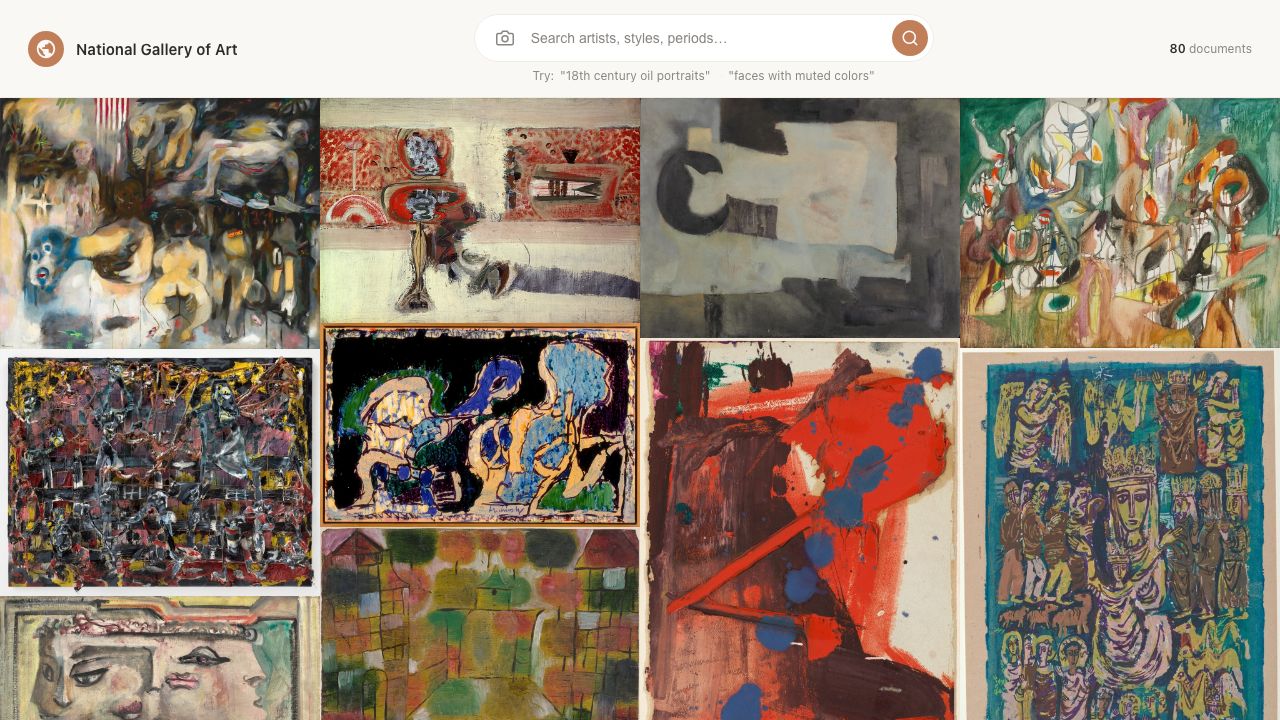
- Art & archives · 118,000+ works
National Gallery of Art
Search paintings, sculpture and prints by description.
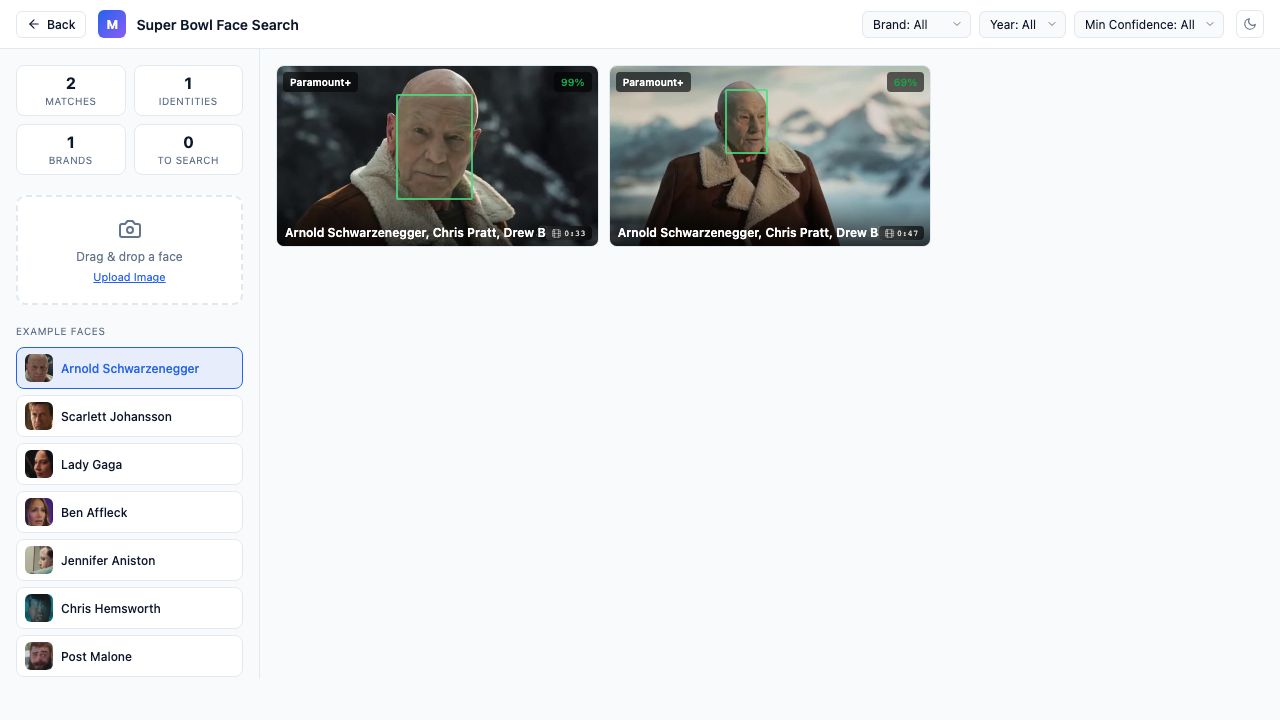
- Faces & people · Super Bowl ads
Super Bowl Face Search
Upload a photo, find every ad appearance.
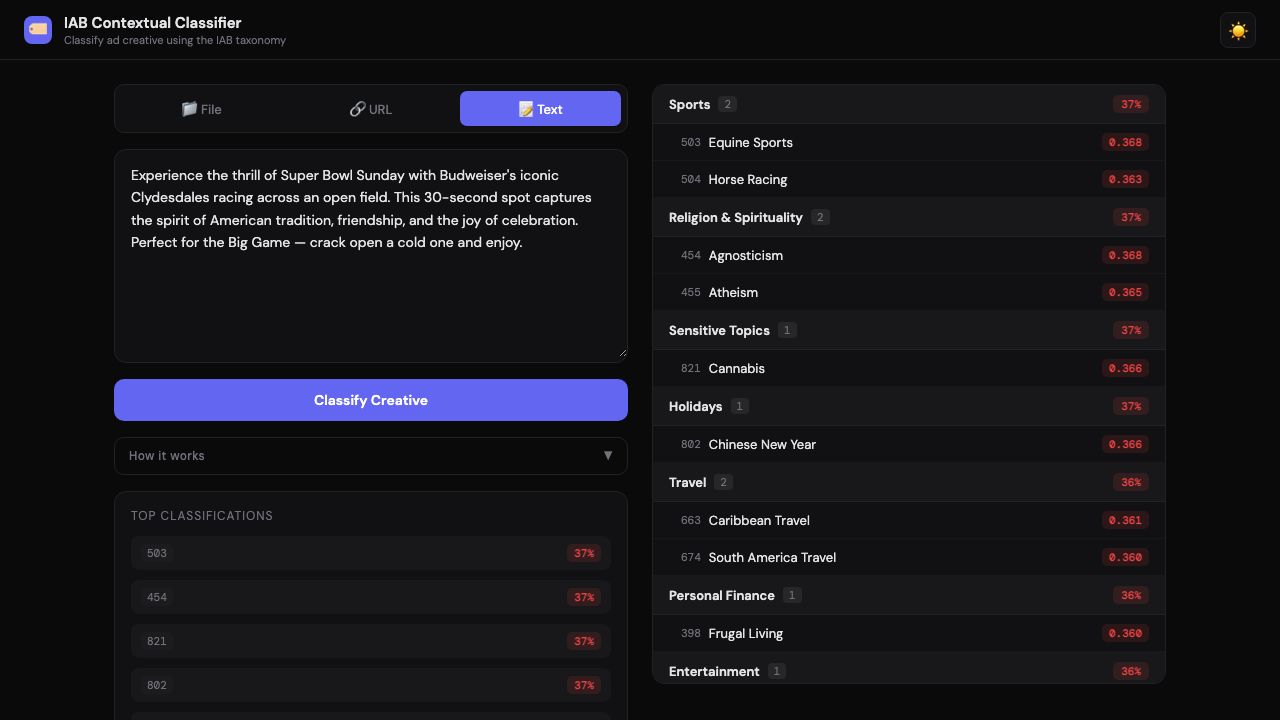
- Advertising · IAB taxonomy
IAB Contextual Targeting
Text or transcript in, ranked categories out.
Every file becomes a table you can query.
Mixpeek reads each file where it lives and writes what's inside it as columns. Every column names the model that produced it, so you can see exactly what you're querying.
- start_time, end_timetimestampscene splitter
- descriptiontextGemini 3.5 Flash-Lite
- embeddingvectorVertex multimodalembedding
- transcriptiontextWhisper large-v3-turbo
- ocr_texttextGemini 3.5 Flash-Lite
- transcription_embeddingvectorMultilingual E5 Large
- clusterlabeldiscovered, no labels needed
 00:01.2
 00:04.1
 00:07.8
 00:11.5
Join your files with ours. Then analyze.
Line up what's seen, said and shown at the same moment, across your own files and pre-indexed marketplace datasets, then analyze the results like any warehouse table.
Find what makes your best ads work.
Point Mixpeek at your past ads and their results. See which hooks show up in your winners.
- Hands-on close-up in first 2s
- Face to camera + price on screen
- Reveal, then reaction
- Product on white, voiceover only
Pick a job. Deploy it in one click.
A template is models, data and a retrieval strategy put together for one job, in one manifest. Deploy it to Studio, then point it at your own bucket.
 Scene · 0.91Camera · 0.89Video · footage.webp
Find the take in an archive nobody has watched end to end.
- Models
- Vertex AI multimodalembedding@001
- Data
- footage-activeadseditor-assets
- Retrieval
- feature_searchllm_filter
- 1.27M
- scenes in the reference corpus
- 5 → 3
- sources into clean collections
Describe it once. It keeps getting better.
Mixpeek is a composable, self-optimizing retrieval engine. Developers and agents describe what they want to retrieve, and the system assembles the optimal architecture from models, datasets and retrieval strategies, shifting retrieval from manually engineered pipelines to declarative, autonomous infrastructure.
Say what you want to retrieve. Mixpeek assembles the architecture.
“Find every scene in our ads where a known celebrity appears.”
As your queries change, the engine re-tunes itself.
You set the targets for accuracy, latency and cost. Every signal and stage lives in your collections, so anything the engine changes, you can see and override.
How retrieval is optimizedFrom manually engineered pipelines to declarative, autonomous retrieval infrastructure, built for agents as the main querier.
Every model, open to inspect.
See what each model does, what it reads and writes, how it runs, and whether we've measured it on real data. Agents can read the whole catalog as JSON.
Browse models| Model | Task | In → out | Runs as |
|---|---|---|---|
| Gemini Embedding 2 | embedding | text·image·video → vector | Provider API |
| SigLIP Base patch16 224 | embedding | image·text → vector | Served on Mixpeek |
| Multilingual E5 Large Instruct | embedding | text → vector | Served on Mixpeek |
| Vertex multimodalembedding@001 | embedding | image·video·text → vector | Provider API |
| Gemini 2.5 Flash | video / image Q&A | video·image → text | Provider API |
Choose how much you want Mixpeek to handle.
$ curl -fsSL https://mixpeek.com/install | sh# then, in Claude Code, Codex, Gemini CLI or Cursor: “Deploy the Creative DNA template on s3://ads/ and find our strongest hooks”
$ claude mcp add --scope user --transport http mixpeek https://mcp.mixpeek.com/mcp --header "Authorization: Bearer YOUR_API_KEY"Deploy the Creative DNA template, then query one of the retrievers it creates. The template picks the extractors and models, so there are none to declare.
An agent acting for a person gets an API key with no browser. One call returns the key and a namespace with a bucket, a collection and a retriever.
The key starts with 1,000 credits and expires after 72 hours unless the person whose email the agent sent confirms it. Signups are limited to 5 an hour per IP address. Read the agent signup guide.
Why a warehouse, not another pipeline.
No migration. Point it at where your files already live.
Reads S3, GCS, R2, Azure or any S3-compatible bucket. Your storage stays the system of record. Run it in our cloud or yours.



 S3
S3 GCS
GCS R2
R2 Azure
Azure






Free to try. From $25/mo on your own files.
Templates and managed indexing on your own files, or bring your own vectors.
Dedicated infrastructure, your own models, self-hosting, SSO and an SLA.
What is a multimodal data warehouse?
A system that turns files into data you can query. It reads video, images, audio and documents where they live, writes what's inside them as durable fields, and serves search, joins and analytics across every modality to apps and agents.
How is it different from a lakehouse or a vector database?
A lakehouse stores multimodal data for teams that build their own pipelines. A vector database stores embeddings you already made. A warehouse does the understanding for you and answers questions across all of it.
Do I have to move my data?
No. Mixpeek reads from your existing S3, GCS, R2, Azure or S3-compatible bucket, and your storage stays the system of record.
Where should I start?
Try a marketplace retriever with no key, then deploy the template closest to your use case on your own files. Developers can start from the model catalog.
Start from a template that works.
Deploy a working use case in one click, see what it finds, then point it at your own bucket.