

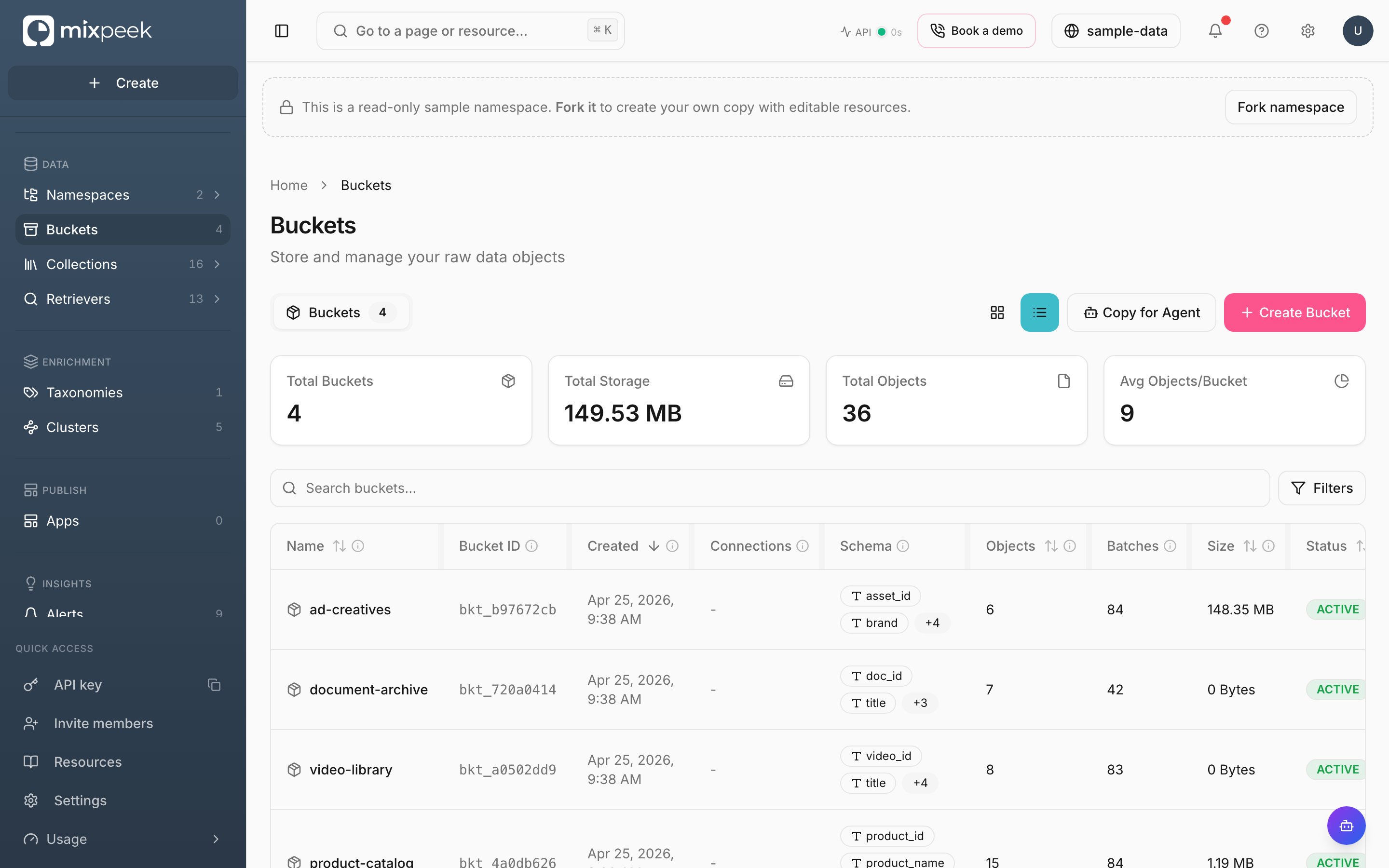
The Buckets page — raw data objects grouped into buckets, with each bucket's schema, size, and status.
Buckets are the warehouse’s ingestion layer, where raw files enter before being decomposed into features.
Manage buckets and objects
- Create bucket: Define a JSON-like schema to validate objects. Required for object registration. API parity: Create Bucket.
- View bucket: Inspect schema, object counts, and metadata. API parity: Get Bucket.
- Update bucket: Rename or adjust description and metadata. API parity: Update Bucket.
- Delete bucket: Enqueues a task to remove bucket and objects. Track under Tasks. API parity: Delete Bucket.
- Add objects: Register raw inputs and blobs without processing. Use single or batch create. API: Create Object, Create Objects in Batch.
- Batch flows: Group object IDs, then submit for processing. Track task status. API: Create Batch, Add Objects, Submit Batch.
Tips
- Object creation does not process files; processing happens when Engine runs extraction based on collections pointing to this bucket.
- Use batch submit for large ingestions to parallelize Engine work and monitor via Tasks in Studio.
- Bucket lifecycle
- Objects & batches
1
Create
Define schema and metadata.
2
Update
Adjust name, description, metadata.
3
Delete
Enqueue task; track in Tasks.
Processing runs in the Engine and writes to your active namespace; ensure it’s set correctly in the top bar.